Website speed: why you are losing visitors
Visitors do not wait. A page slow to appear on mobile loses some visitors before they see what you offer. What slows websites down, and how do you fix it?

Imagine walking into a shop and standing at the door for long seconds before it opens. Many people would leave before seeing what is inside. That happens online every day with slow websites. Website speed is not a technical detail for developers alone; it is part of the customer experience, the company’s image, and its visibility in search.
Why does speed matter more now?
Because most visitors arrive on a phone, often on networks that are not always strong. A site that feels fast on an office computer can be very slow on a phone on the move. And because search engines care about visitor experience: Google states that page experience, including loading speed and layout stability while loading, is among the signals it considers alongside content quality.
Four common causes of slowness
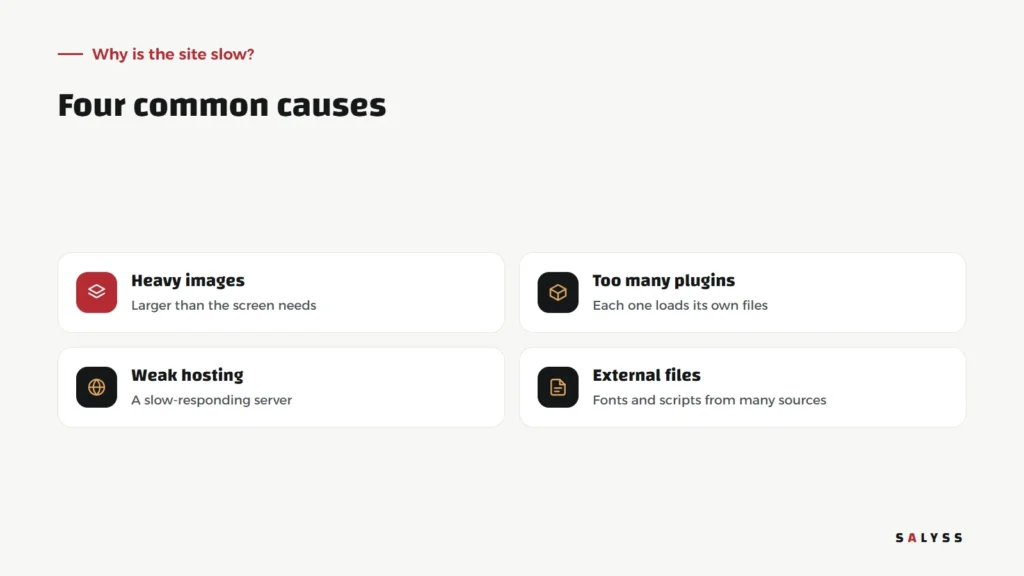
Heavy images
Usually the main cause. A cinema-sized image displayed in a small card on mobile, so the visitor downloads many times what they need.
Too many plugins
Each plugin adds its files, even on pages that do not use it. Over time, plugins tried once and forgotten pile up.
Weak hosting
A slow-responding server delays every page before anything starts loading.
Many external files
Fonts, scripts and trackers from many sources, each an extra request the browser waits for.
A five-step improvement plan
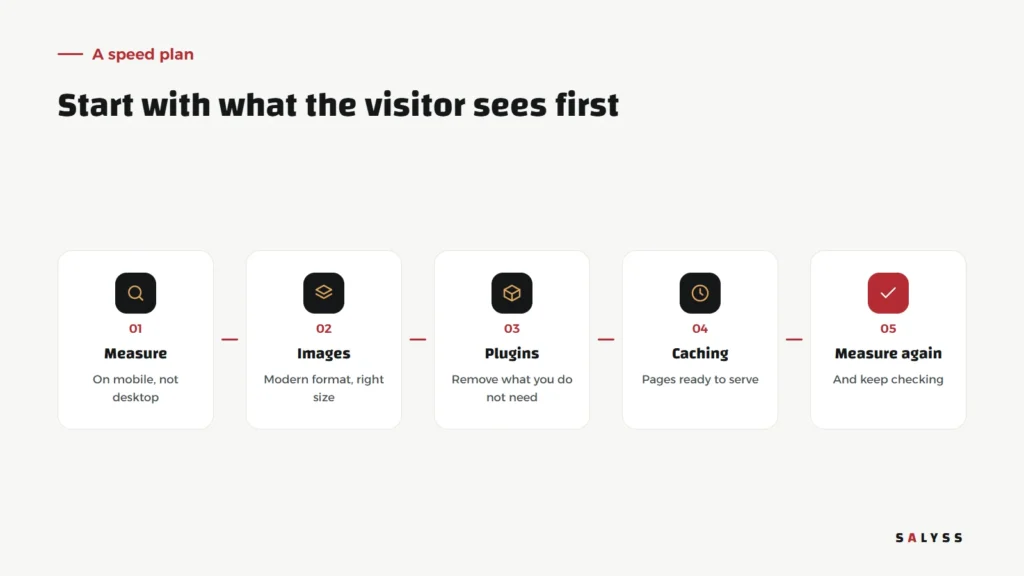
- Measure on mobile: use free tools such as PageSpeed Insights, and focus on the mobile score, not desktop.
- Images: convert to a modern format such as WebP, reduce dimensions to what the screen needs, and defer images that are not at the top of the page.
- Plugins: review each one: do we still use it? Remove what you do not need.
- Caching: serve pages ready-made instead of rebuilding them on every visit.
- Measure again: and keep checking, because every new page or plugin can bring slowness back.
What do we do on our own sites?
On salyss.com, for example, article images are WebP in several sizes, so a phone downloads the version that fits its screen; images below the top of the page are deferred until the visitor approaches them; and pages are cached on the server. With every new addition we check its effect on speed before it reaches visitors.
A stable page while loading
Another part of the experience matters as much as speed: elements staying in place while the page loads. We have all tapped a link only for the page to jump because an image appeared above it, and tapped something else instead. The fix is simple: set the dimensions of images and ads in advance, so the browser reserves their space before they arrive. A small detail, but it makes a site feel more professional and comfortable.
Speed is not everything
A fast site with weak content will not sell. Speed opens the door, but what is inside convinces the visitor. So do not sacrifice important real photos or useful content for a number in a testing tool; make images light and content clear, and you get both.
Common speed mistakes
- Installing a new speed plugin on top of other plugins that slow the site.
- Measuring on desktop only and feeling reassured.
- Removing elements customers need just to improve the score.
- Optimizing only the home page, while most visitors enter through other pages.
Start today
Open your site on your phone, on mobile data rather than office Wi-Fi, and watch how long it takes for the first useful content to appear. That simple test shows what your customers experience. Read about search engine visibility, or book a free consultation to review your site’s speed.
Frequently asked questions
Does website speed affect search visibility?
Yes. Google states that page experience, including loading speed, is among the signals it considers, alongside content quality.
Why measure on mobile specifically?
Because most visitors come from mobile, and phones are more affected by heavy images and weak networks. A site that is fast on desktop can be slow on a phone.
What is the quickest improvement?
Usually images: converting them to a modern format such as WebP and reducing them to the size the screen actually needs.