Business data backup: a practical guide
Nobody thinks about backups until they need one. A failed drive, a file deleted by mistake, ransomware encrypting everything; that is the moment you find out whether you had a backup that actually works.

In most companies, backup is a permanently postponed topic. The systems work and the data is there, so why worry? Then one day a drive fails, an employee deletes a folder by mistake, or malware encrypts the files and demands a ransom. At that moment one question decides how much you lose: do we have a recent backup, and do we know how to restore it?
What can go wrong?
- Hardware failure: drives and servers fail, however good they are.
- Human error: a deleted file, a sheet edited by mistake, an old version saved over a new one.
- Ransomware: it encrypts data and demands money, and can reach backups connected to the network.
- Theft or loss: a stolen laptop holding files that exist nowhere else.
- Physical incidents: a fire or water leak in the server room.
The 3-2-1 rule
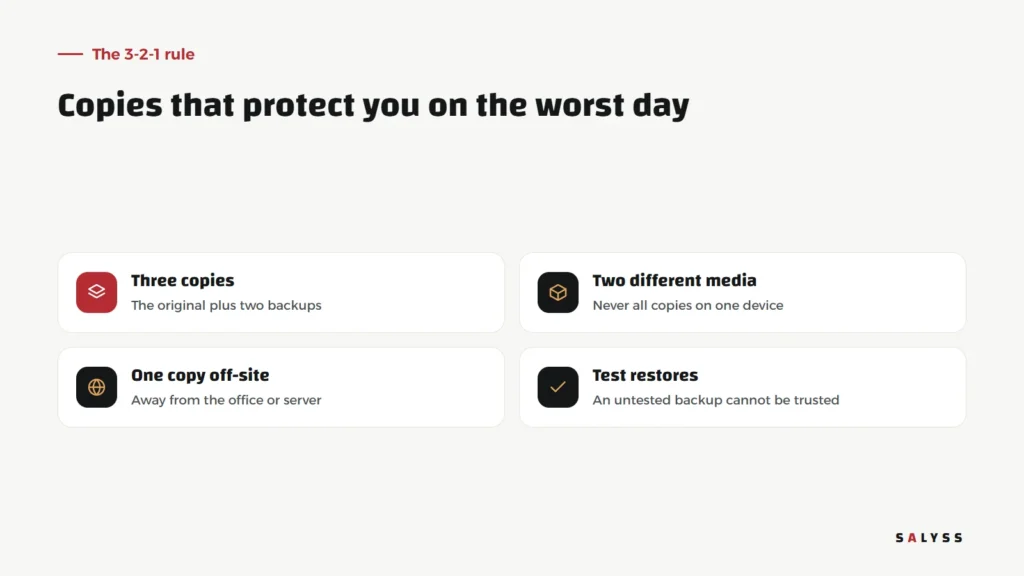
One of the most widely used rules in this field is 3-2-1: keep three copies of your data, the original plus two backups, on at least two different media, with one kept off-site. The point is that a single incident, whether failure, fire or attack, should never reach every copy at once. Many add a fourth condition that matters just as much: test your restores regularly.
What to save
Backup is not only about files. In any company running on a system, two kinds of data must be saved together:
- The database: customers, sales, instalments, accounts and everything the system records.
- Attached files: scanned contracts, engineering drawings, photos and documents.
A database copy without the files, or the other way round, may bring you back to an incomplete system. Organizing files from the start, for example a clear folder for each project, makes saving and restoring them much easier.
How often?
The right question is not “how often do we back up?” but “how much work can we afford to lose?” If losing a day of bookings or sales is a serious problem, a daily backup may not be enough for the database. Files that rarely change, like an archive of old contracts, may need less frequent copies. The companion question: how long can we be down before systems return?
Sync is not backup
One of the most common misconceptions is that a folder synced to a cloud storage service is a backup. Sync carries every change, including deletions, damage and encryption. If ransomware encrypts your files, the encrypted versions may reach the cloud within minutes. A real backup keeps earlier versions you can return to, ideally separate from the devices the team uses every day.
Restoring is the real test
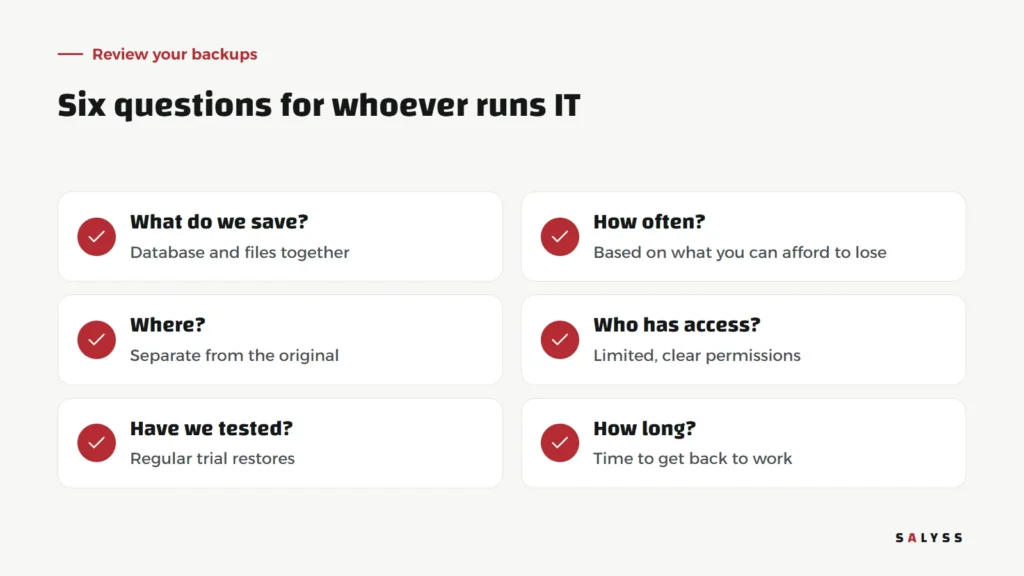
Many companies discover on the day of disaster that backups had been failing silently for months, were incomplete, or that nobody knew the restore steps. The fix is simple but needs discipline: regular trial restores to a separate location, checking that the data is complete and works. A backup that has never been restored cannot be relied on.
Who can reach the backups?
Backups contain all of the company’s data, so they deserve at least the same protection as the original. Decide who can access them and who can delete them, and use strong passwords and two-step verification wherever possible. We cover the principle of permissions in user permissions and customer data protection.
Laptops and phones
Much company data lives not on the server but on staff laptops and phones: quotations in progress, photos from site, files sent through chats. That data is often outside any backup. The answer is not banning people from working on their devices, but making a system or shared folder covered by backups the official home for important files, so the team knows a file not saved there may be lost with the device. And when someone leaves, their work files are in the company’s space, not on a personal laptop.
When a vendor hosts your system
If your systems are hosted by another company, do not assume backups happen the way you expect. Ask clearly: what is saved, how often, where, how long a restore takes, and can you get a copy of your data whenever you want? These are among the questions in choosing business software.
Where to start this week
- List every place company data lives: systems, devices and cloud services.
- For each, note whether a backup exists, where, and when the last one ran.
- Pick an important file and try restoring it from backup.
- Assign one person to follow backups and review them monthly.
If you would like a review of how your systems’ data is saved, book a free consultation.
Frequently asked questions
What is the 3-2-1 backup rule?
Three copies of your data, on at least two different media, with one kept off-site. A well-known rule that reduces the risk of losing every copy in a single incident.
How often should we back up?
Based on what you can afford to lose. If losing a day’s work would be disastrous, daily backups are not enough for your most active data.
Does cloud storage replace backups?
Not necessarily. Sync also carries deletions and damage. A real backup keeps earlier versions you can go back to.