An Excel alternative: when and how
Excel is a great tool, but it was never meant to run a whole company. Six signs it is time to move on, and five steps for a calm transition.

Almost every company starts with an Excel sheet. A customer list, then a sales sheet, then an instalments sheet, then a stock sheet. That is natural: a spreadsheet is fast, flexible and needs nobody. But as the company grows, that flexibility becomes a burden, and the question comes up: do we need an Excel alternative? And when?
The answer is not “get rid of Excel”. It is knowing when the spreadsheet stopped serving you and you started serving it.
Why does everyone start with spreadsheets?
Because a spreadsheet asks for no decisions. You open it and type, and add a column whenever you need one. Early on that is a real advantage: the company does not yet know the shape of its operations, and the sheet grows with it. Trouble starts when the team grows, several people work on the same file, and decisions rely on numbers nobody can trace with confidence.
Six signs it is time
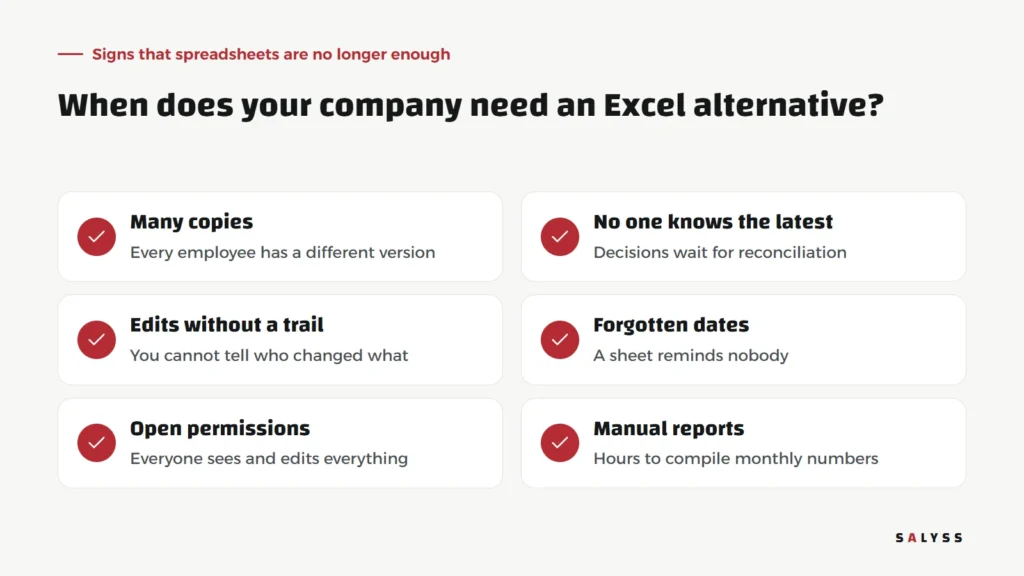
- Multiple copies: each employee has a different version, each with edits the others lack.
- Nobody knows which is latest: every decision starts with a hunt for “the right file”.
- Edits with no trail: a number changed, and you do not know who changed it, when or why.
- Forgotten dates: the sheet stores the instalment or call date but reminds nobody.
- Open access: whoever opens the file sees and can edit everything, including customer data and prices.
- Manual reports: hours at every month-end gathering figures from several files.
What does a system offer that a spreadsheet cannot?
A system is not a prettier spreadsheet. The difference lies in things a sheet cannot do by nature: one data source everyone works on at the same time, a log of every change, reminders that reach the person responsible, permissions so each employee sees only their own work, and reports calculated automatically from daily work instead of assembled by hand.

Five steps for a calm move
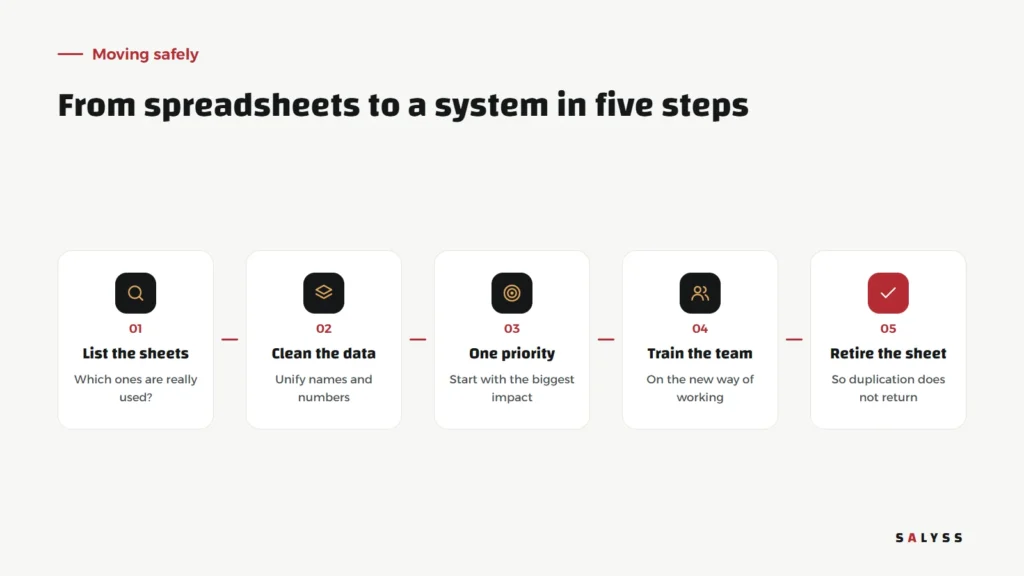
- List the sheets: gather every file actually in use and ask who uses it and why. You will usually find files nobody needs any more.
- Clean the data: standardize customer names, phone numbers and contract numbers. Moving messy data into a new system moves the mess with it.
- One priority: start with the part that matters most, such as customer follow-up or instalments, not everything.
- Train the team: on the new way of working, not just the buttons. Why do we record things here? Who sees what?
- Switch off the sheet: the step many forget. As long as the old sheet exists, someone will go back to it and the data will split again.
What is left for Excel?
Excel remains an excellent analysis tool: exporting data from the system to study a specific question, running a quick scenario, or preparing a one-off presentation. The difference is that the spreadsheet becomes a temporary analysis tool, not the place where company data lives.
Mistakes we see often
- Trying to move every sheet into the system as-is, with all the columns nobody uses any more.
- Choosing an off-the-shelf system that forces a way of working that does not fit, so the team quietly drifts back to spreadsheets.
- Leaving the move to one person without a clear management decision that the system is the reference.
On SALYSS Platform we build the system around how your company works, not the other way round. To review your sheets together and decide where to start, book a free consultation.
Frequently asked questions
Should we stop using Excel altogether?
No. Excel stays excellent for ad hoc analysis and quick calculations. The point is that it should not be the system the team runs daily operations on.
Will old spreadsheet data be lost in the move?
Not if it is cleaned and standardized first. Data cleaning is a core step in any successful move.
How long does the move take?
It depends on the number of sheets and the volume of data. Starting with one priority lets the team see results early without waiting for everything to move.