Management dashboards that get used
A good dashboard does not show everything; it shows what needs a decision. How do you build one a manager opens every morning instead of forgetting after a week?
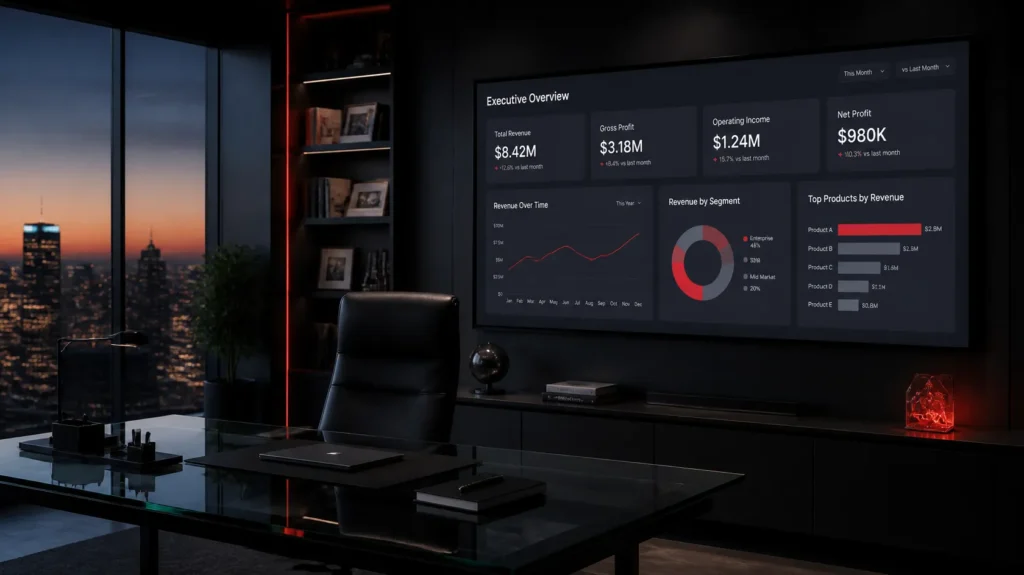
Many companies have a dashboard nobody opens. It was built with enthusiasm, filled with colourful charts, and the manager stopped looking at it after two weeks. The reason is usually not the manager but the dashboard: it shows everything, so it shows nothing they need. A good management dashboard starts from a different question: what decisions does this manager make every day?
Four cards are enough to start
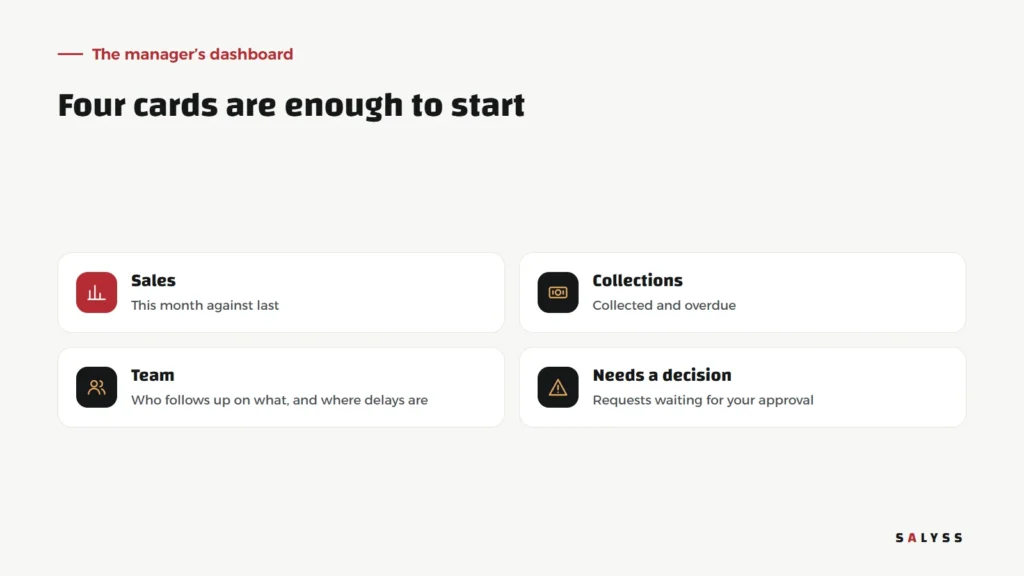
Sales
What sold this month against last month or the target. A number alone means little; the comparison tells you whether things are on track.
Collections
What was actually collected, and what is overdue. In companies that sell on instalments, this card matters as much as sales.
Team
Who follows up on what, and where the delays are. Not to watch individuals, but to see where the team needs support.
Needs a decision
The most important card: requests awaiting your approval, exceptions and open issues. These are the things that stall if you do not act.
Six rules for a dashboard that gets opened daily
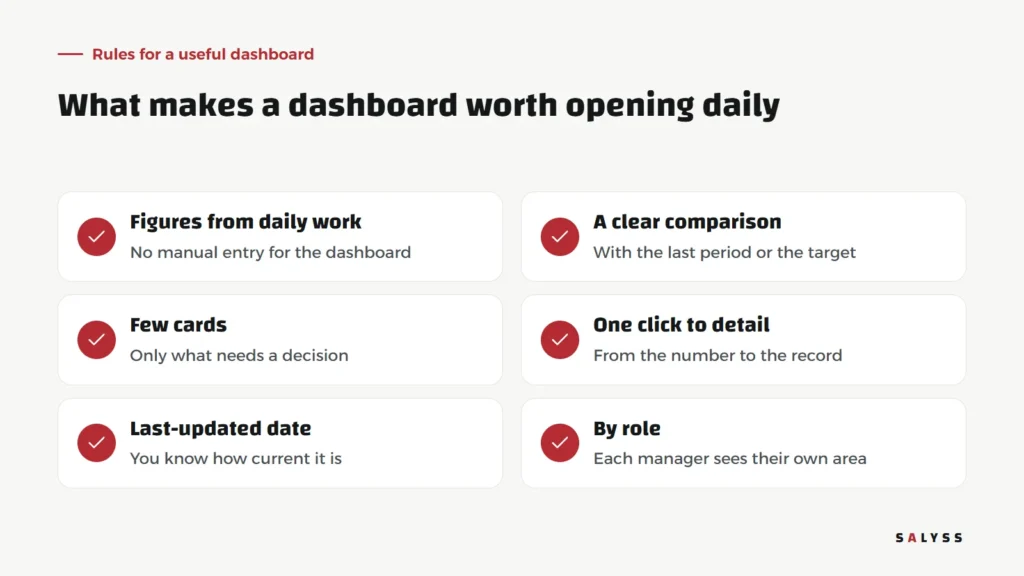
- Figures from daily work: if someone has to type the numbers, they will be late and wrong.
- A clear comparison: with the last period or the target, never an isolated number.
- Few cards: only what needs a decision; the rest belongs in detailed reports.
- One click to detail: from the number to the records behind it, so you see the cause, not just the result.
- Last-updated date: if figures cannot refresh, the last correct ones stay with their date, never “unavailable”.
- By role: the sales manager sees something different from the finance manager, and the owner sees the whole picture.
A real dashboard running today

In SALYSS Realty, the projects and collections dashboard is calculated from the team’s daily work: recorded sales, approved receipts, overdue instalments. Nobody prepares a report for it, because it is a natural result of work already done in the system.
From number to action
A dashboard proves its value when a number turns into action. Overdue collections rose? Click through to the late customers and assign them for follow-up. Sales of one project dropped? Go back to that project’s lead sources. A dashboard that does not lead to action is just a pretty screen.
A dashboard for every manager
- Sales manager: new leads, leads with no next step, appointments, open offers.
- Customer care manager: late payers, upcoming instalments, open issues and how long they have been open.
- Finance manager: items awaiting approval, daily collections, differences to reconcile.
- Owner: a summary of all the above, plus what awaits their own decision.
Every dashboard draws on the same data, but each manager sees only what concerns their decisions.
Common mistakes when building one
- Starting with charts before defining the questions.
- Showing everything measurable instead of what must be followed.
- One dashboard for every manager despite different responsibilities.
- Numbers nobody can trace, so every meeting starts by doubting them.
How to start
Write down the five decisions you make every week, and next to each the information you need to make it. That list is your dashboard design. Then make sure every item comes from work recorded in a system, not a manually updated sheet. Read more about sales KPIs, or book a free consultation to design a dashboard that fits your business.
Frequently asked questions
How many cards should a dashboard have?
Start with about four. Crowded dashboards are abandoned quickly because managers cannot find what they need fast.
Where do the numbers come from?
From daily work recorded in the system. A dashboard that needs separate manual entry falls behind and loses trust.
What if figures cannot be refreshed?
The last correct figures stay visible with the date of the last update, so the manager knows how current they are.